A locked phone will not tell you it is locked until you try to use it with another network, which is usually at the airport.
This is a short article about a problem with a two-minute check and a fix that can take several days. The order of those two numbers is the entire reason to read it before you book rather than after you land.
What a carrier lock is
A phone bought on contract, or heavily subsidised, is often configured to work only with the network that sold it. This is legitimate, it is disclosed in the contract, and it usually ends when the contract does — but a great many people are carrying a locked phone without knowing it, because until you try another network nothing tells you.
If you have only ever used your phone with the network that sold it, you have never tested this.
Why it matters for a travel plan
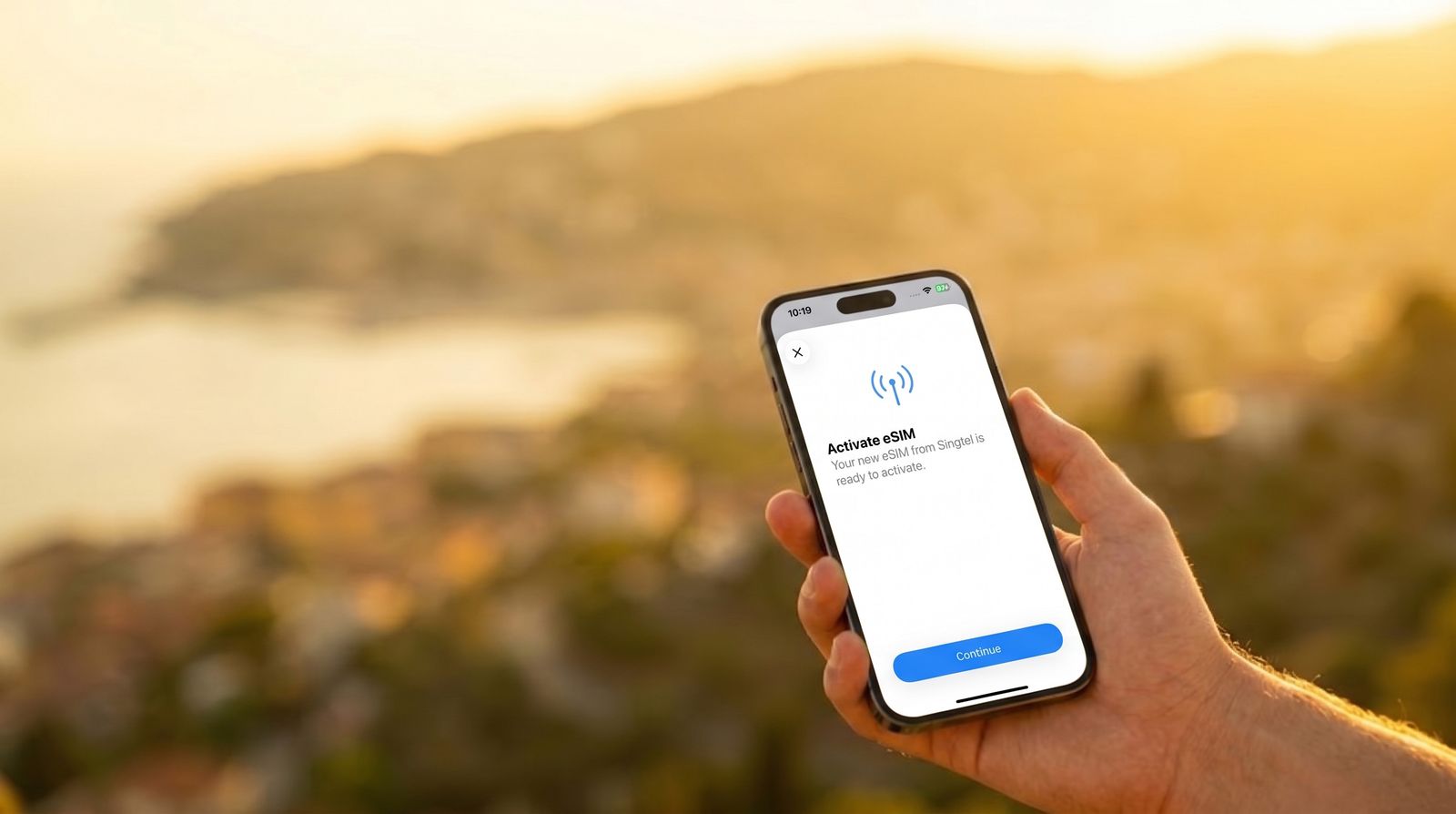
A travel eSIM adds a second line to your phone. A locked phone can refuse to accept it, or accept it and then refuse to connect. The failure is not always obvious — sometimes the plan appears to set up correctly and simply never gets data.
From our side this is one of the more common reasons a plan does not work, and it is the one we can do least about, because the restriction lives on the handset rather than anywhere we can reach.
How to check, in about two minutes
If you have a spare SIM from another network
This is the definitive test. Put it in, and see whether the phone connects. If it does, the phone is unlocked. Nothing else is as conclusive.
On an iPhone
Open Settings, then General, then About, and look for a line about carrier lock. It will say either that there is no SIM restriction, or that the phone is locked. This is quick but occasionally out of date after a recent unlock, so treat a spare SIM as the tiebreaker.
On Android
The location varies by manufacturer, but it is generally under Settings, then a Network or Connections section, then SIM or Mobile network. Some manufacturers put it under status or device information instead. If you cannot find it, ask your network directly — they will tell you.
The simplest route of all
Contact your network and ask whether your handset is locked, and if so, whether they will unlock it. They are required to be able to tell you, and on most UK networks the request can be made through the app or website without speaking to anyone.
WHY TO DO THIS WEEKS BEFORE, NOT DAYS BEFORE
Unlock requests are not always processed immediately. Some networks complete them in hours; others take working days, and a request made on a Friday before a Saturday flight is unlikely to help.
The check takes two minutes. The fix can take a week. Do the check as soon as you book, not the night before you fly.
If your phone is locked and you are leaving tomorrow
Then a travel eSIM is probably not your answer for this trip, and it is better to know that now than at the gate. Your realistic options are your own network’s roaming, a rented pocket Wi-Fi device, or a local SIM bought on arrival — though the last of those needs an unlocked phone too, so it is usually the first two.
Then unlock the phone when you get home, and the problem never recurs.
The other thing worth checking while you are there
If you are already in the settings, confirm the phone supports eSIM at all. Most handsets from the last several years do, but not all, and a small number of models sold in certain markets have the feature removed entirely. Both checks take the same two minutes.