DESTINATION: United Kingdom

United Kingdom eSIM

  • Delivered by email
  • No roaming charges
  • Keep your home number
  • Globeelink support
United Kingdom flag

Select a plan

$0.00
Total
Secure checkout

How a Globeelink eSIM works

See detailed install steps
01

Pick where you're going

Choose your destination and how much data you'll need.
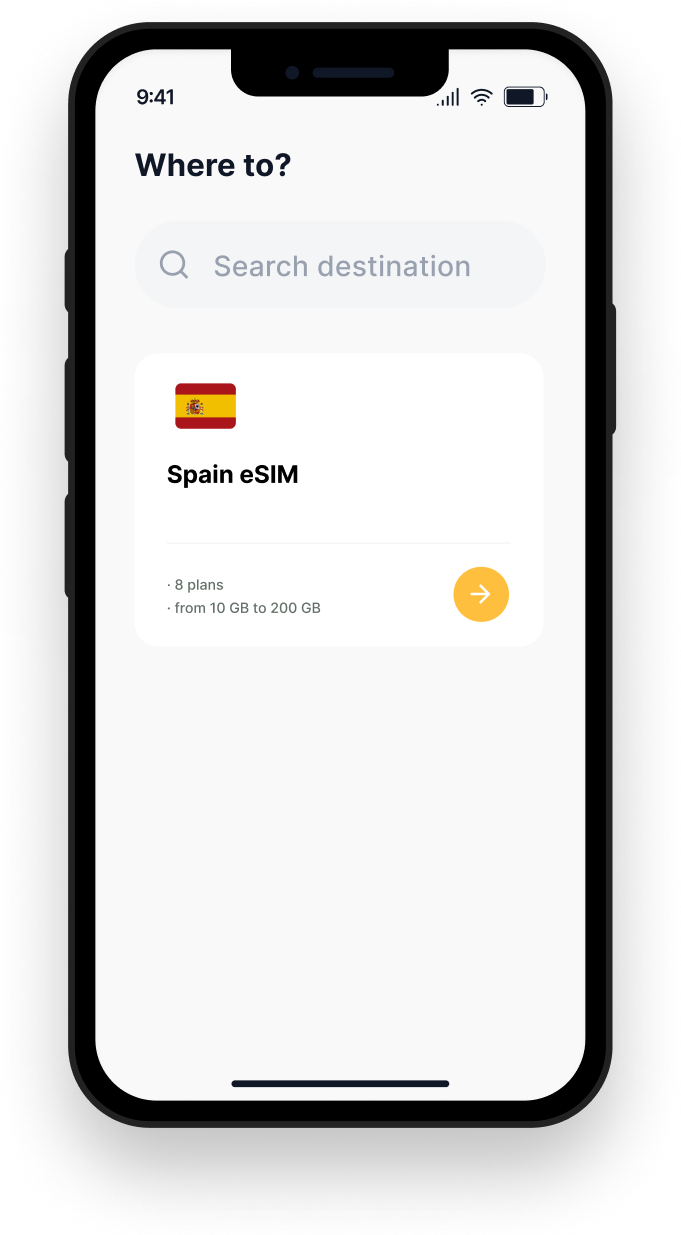
Pick where you're going
02

Pay

Card, Apple Pay, Google Pay. Whatever's quickest.
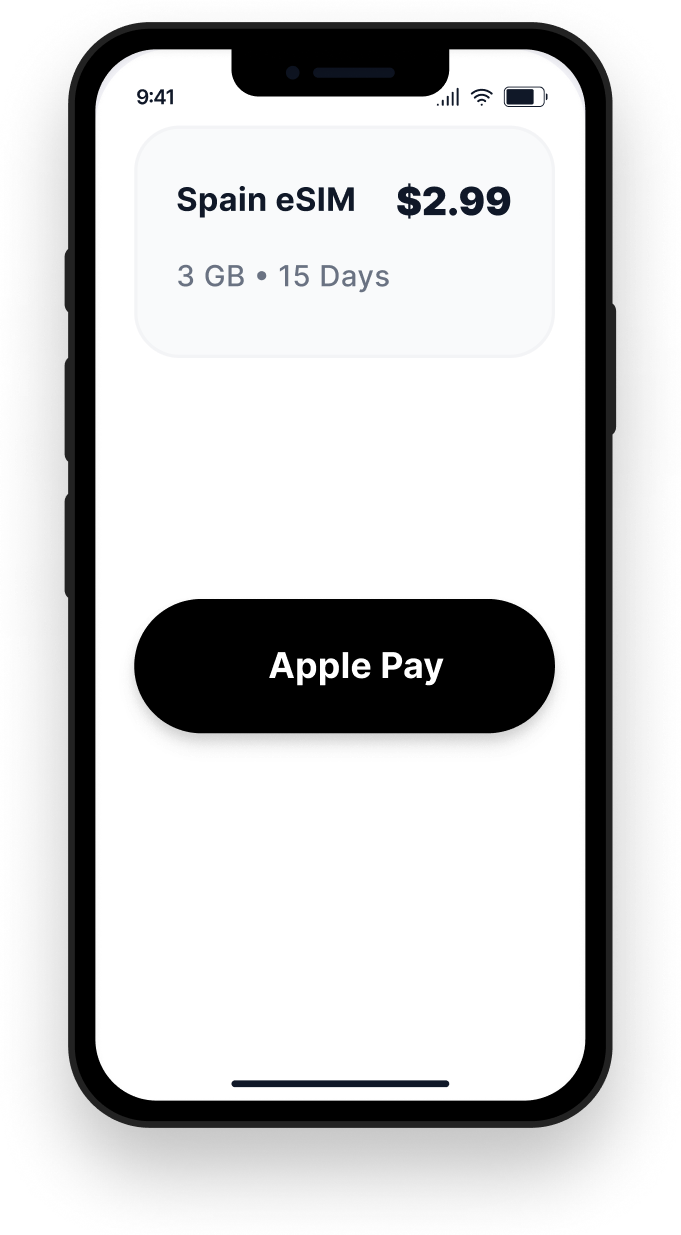
Pay
03

Set up before you fly

Scan the QR code in your email. Works on iPhone, Samsung, Pixel, and most other Android phones from the last few years.
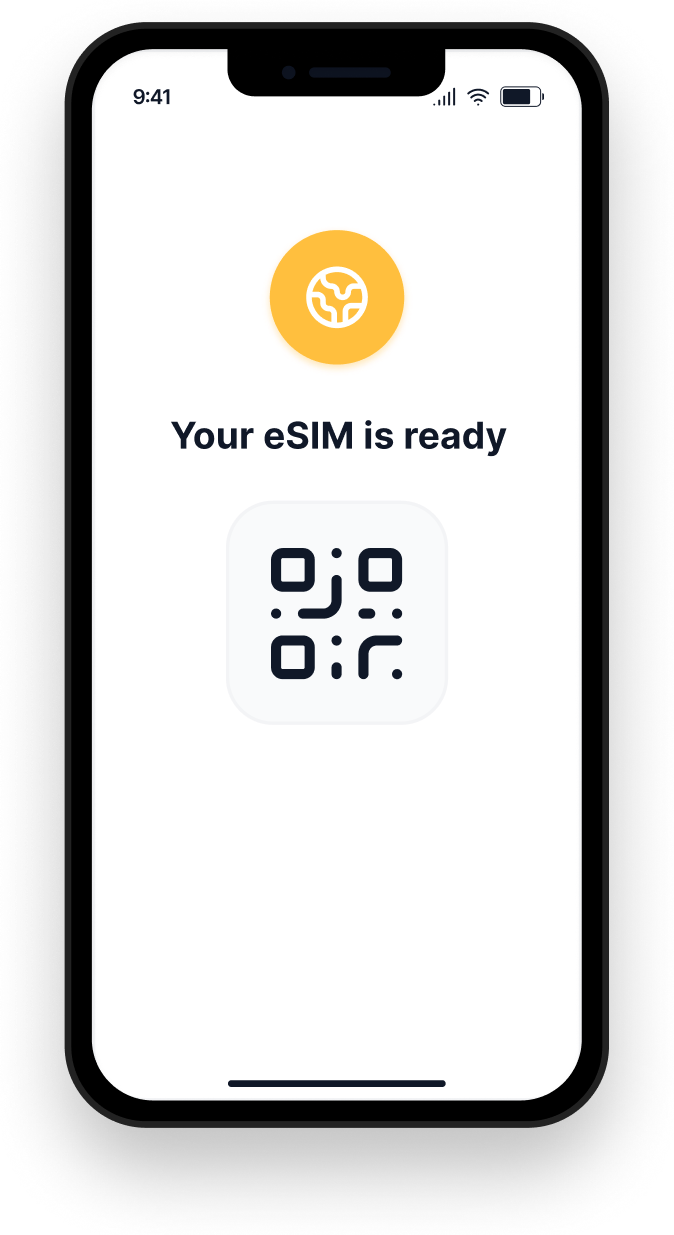
Set up before you fly
04

Land and connect.

Your eSIM activates the moment your phone touches a network in your destination. No queues at the airport. No SIM swaps. No surprises.
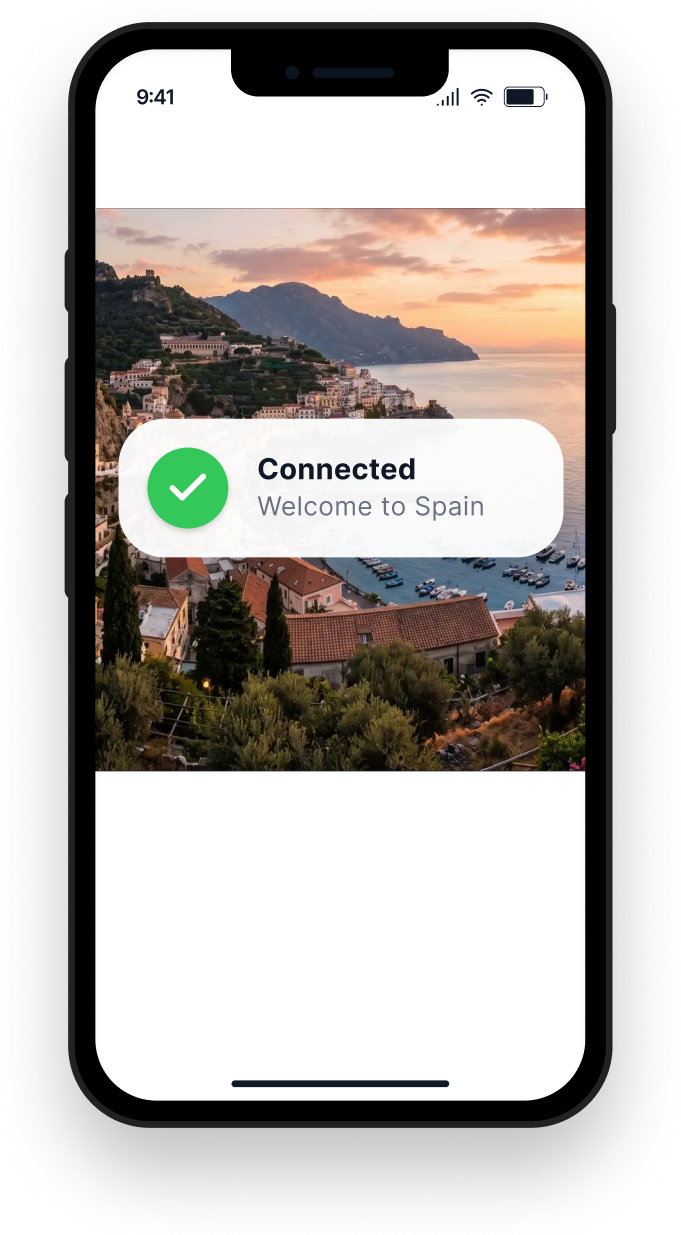
Land and connect.

Things people ask us

Quick answers to the questions that come up most. Globeebot can handle anything else.

Compatibility

Will my phone work with an eSIM?

Most phones from 2018 onwards support eSIM — including all current iPhones, Samsung Galaxy from S20, Google Pixel from Pixel 6, and most other recent Android phones. You can check yours before you buy.

Check my phone
How it works

Will I get charged surprise fees?

No. Flat rate per plan. When your data runs out, your connection stops — we never auto-charge you for overage. If you want more data, you top up explicitly.

See pricing
Support

What if something goes wrong abroad?

Message Globeebot from the website, WhatsApp, LINE, or Telegram. It checks your eSIM status and account directly — usually no need to explain. If it needs a human, a team member takes over.

Learn about Globeebot

Meet Globeebot

Our 24/7 support. It checks your eSIM and account directly, so you don't have to explain everything. If it can't fix it, a person can.